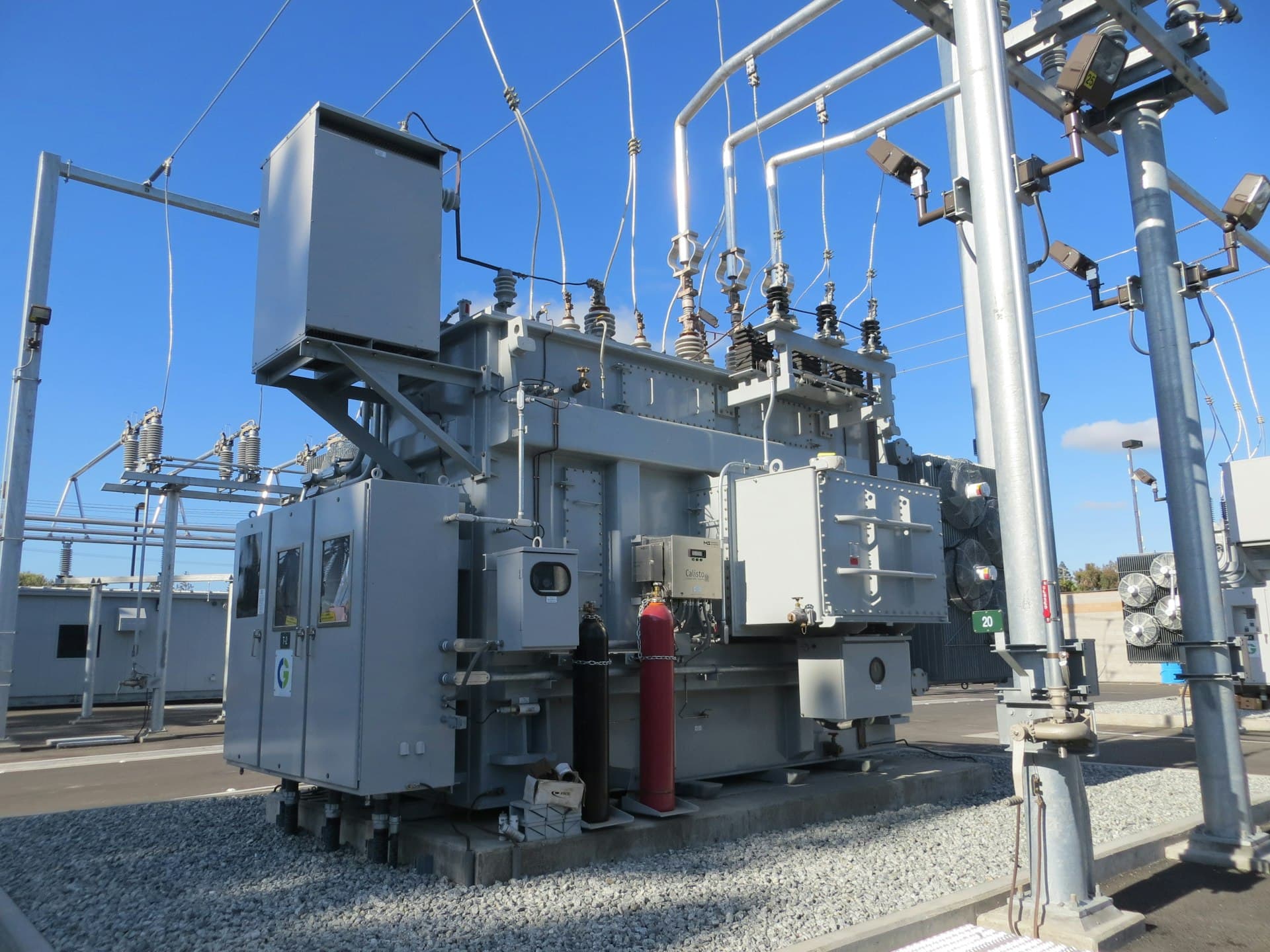
Many industrial plants run equipment that can never be patched. A controller installed years ago may still be running a live process on firmware the manufacturer stopped updating long ago. An operator station may run Windows 7, because the software licensed for that production line was never certified on anything newer. Both appear on every vulnerability report as critical, and both stay in service, because the process they run cannot be stopped to fix them.
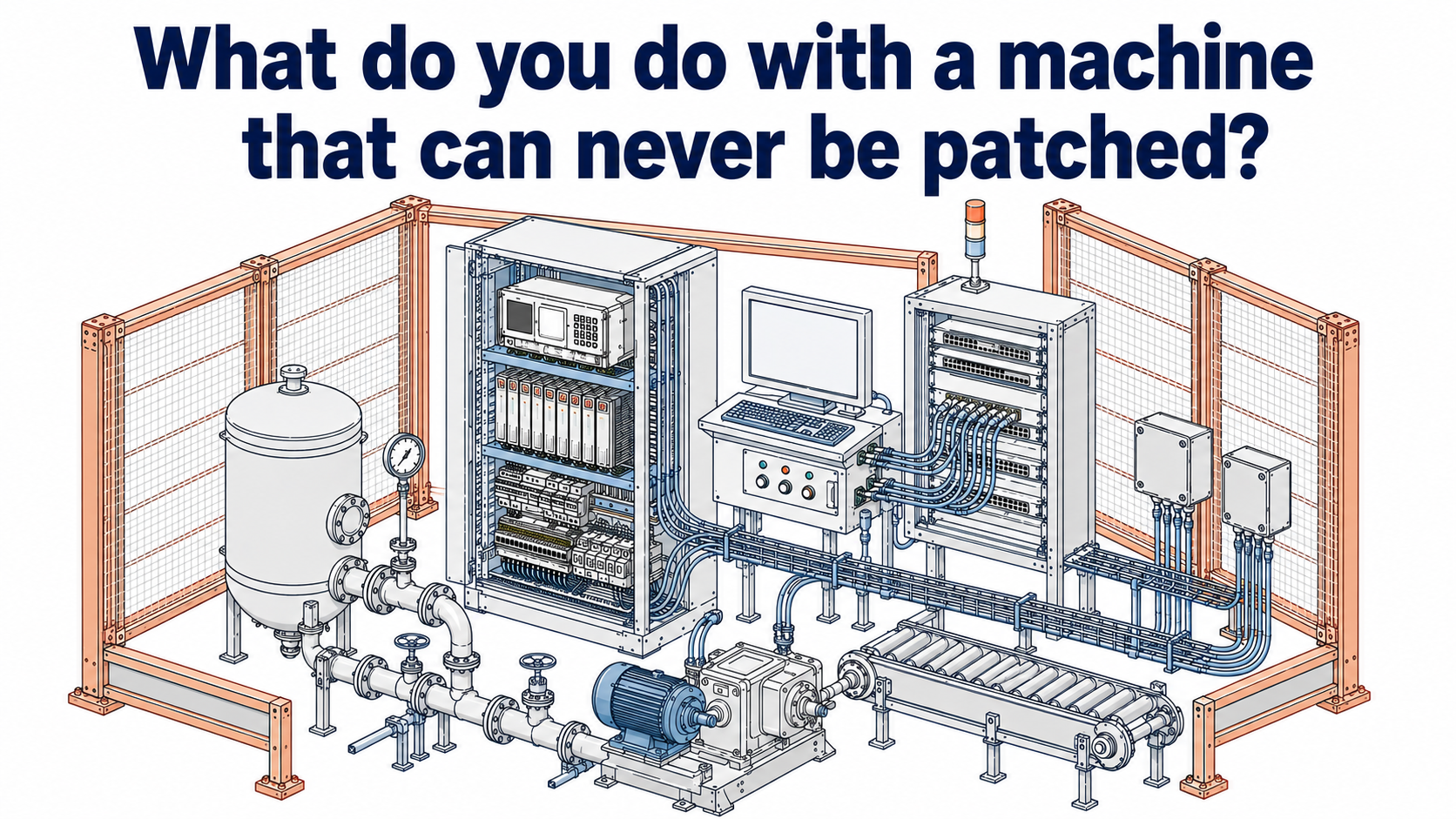
This is not negligence. It is the normal condition of an operational technology environment, and it changes what the solution has to look like. If the vulnerability cannot be removed, the device has to be defended without being changed.
The Scale of the Problem
The following figures, drawn from recent industry research, describe how common this situation actually is.
| Metric | Value | Source |
|---|---|---|
| OT devices running an operating system that no longer receives vendor support | 25% | Microsoft Digital Defense Report |
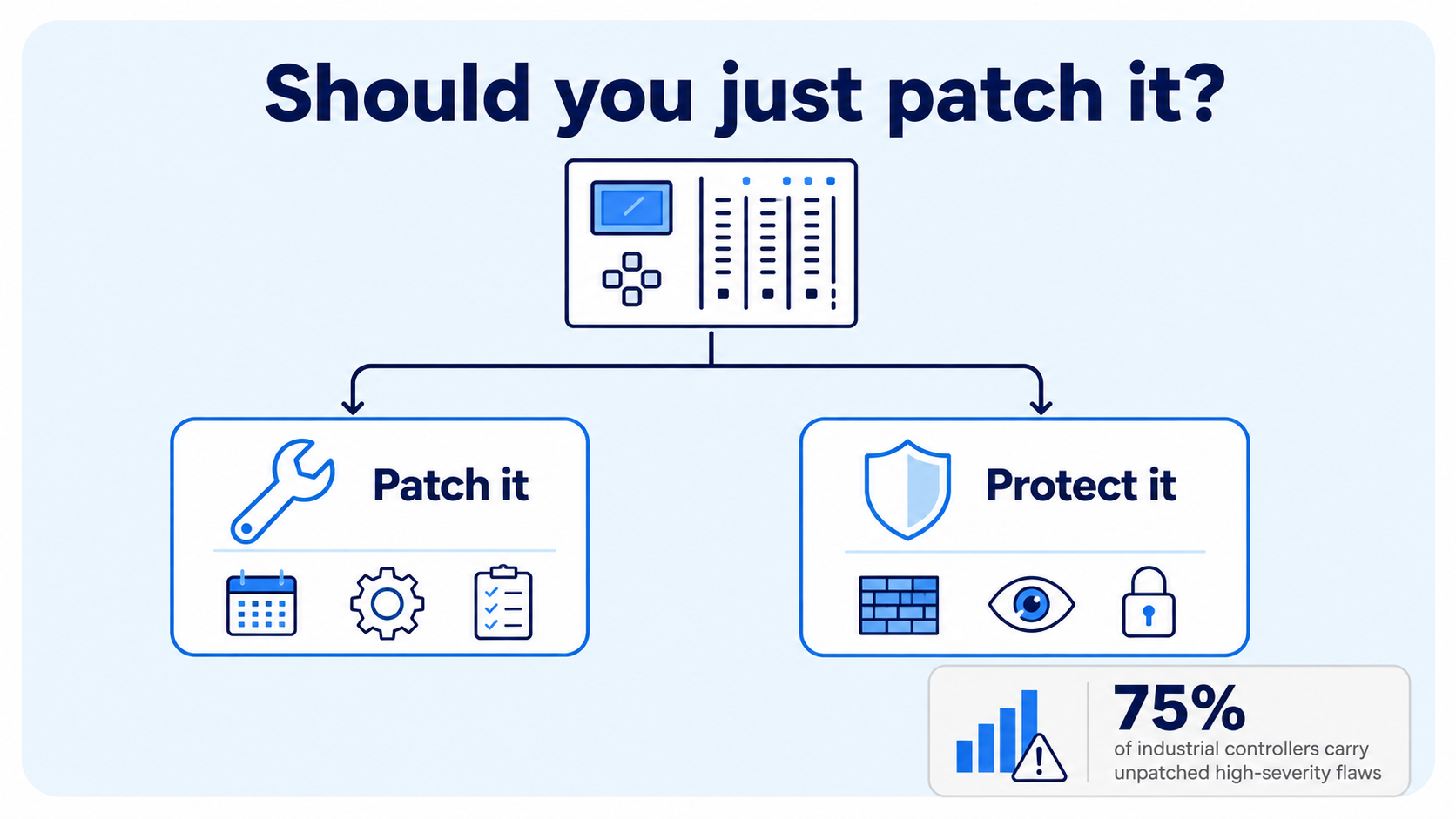
| Industrial controllers found carrying unpatched, high-severity vulnerabilities | 75% | Microsoft |
| OT devices found with a Known Exploited Vulnerability, from an analysis of close to one million devices | 12% (111,000 devices) | Claroty Team82 |
| Of those Known Exploited Vulnerabilities, the share linked to active ransomware groups | 68% | Claroty Team82 |
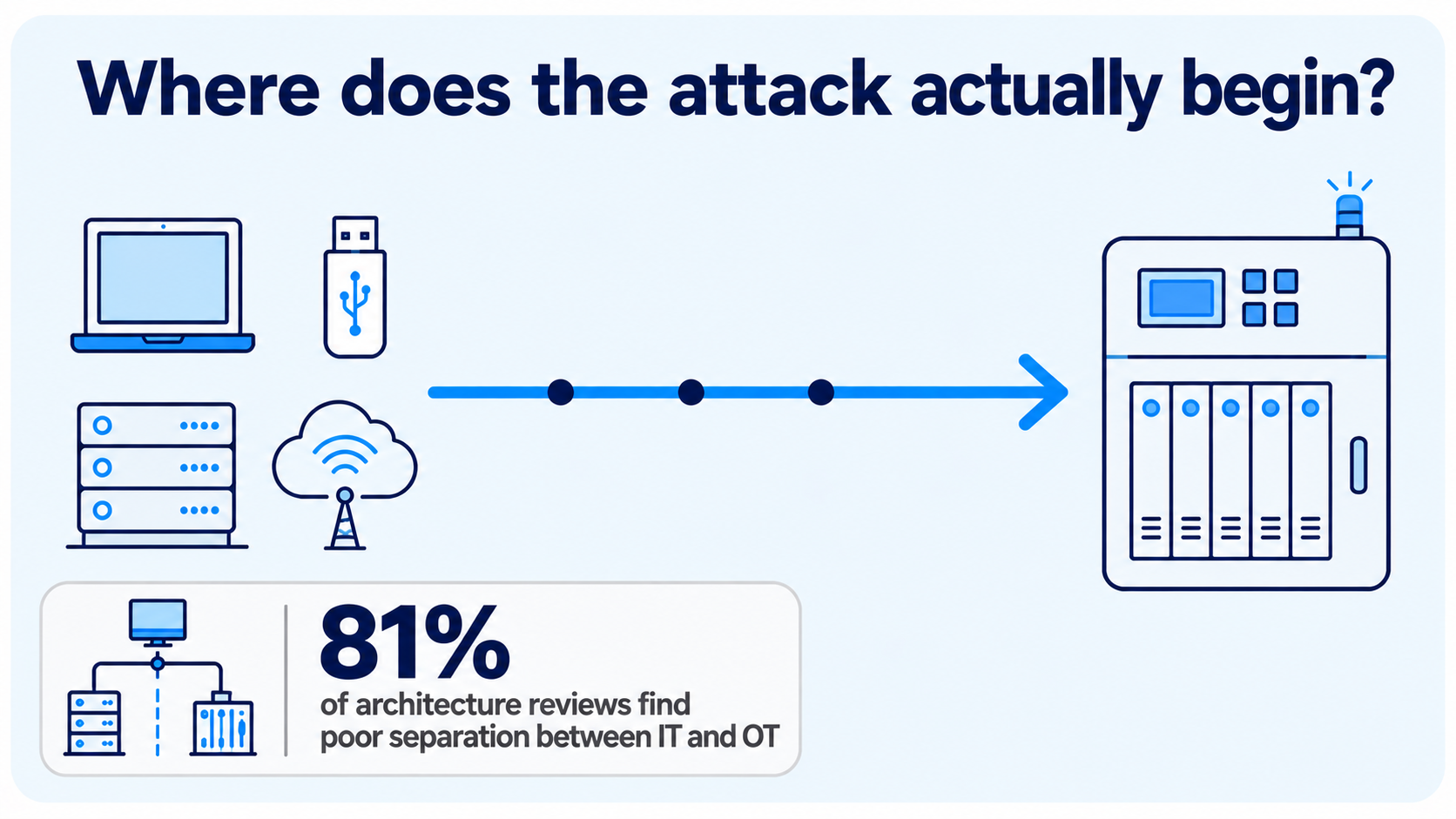
| Architecture reviews finding inadequate separation between IT and OT networks | 81% | Dragos |
| OT vulnerabilities caused by insecure product design rather than coding defects, found in certified product families | 74% | Forescout Vedere Labs |
These figures describe the condition of most industrial environments, not an exception. Any plant carrying legacy PLCs or unsupported operator stations sits inside this data, not outside it.
When to Patch
Applying the manufacturer's update is the correct response whenever it is possible, because it removes the vulnerability rather than working around it. It is available only when four conditions hold together:
- A qualified update exists for the exact hardware and firmware combination in use.
- The asset is still within a supported lifecycle.
- A maintenance window is available within a reasonable timeframe.
- The budget covers a rollback plan and post-change validation.
In a continuous process, the maintenance window is usually the first condition to fail, since a shutdown may not be available for a year or more. Where a vendor qualification underpins a safety case, an unauthorized change can undermine that case even when it closes a vulnerability. And most plants have no staging environment, since the production system is the only system that exists, so testing and deployment become the same event. These three are constraints of budget and scheduling, and enough of either would resolve them. A fourth constraint exists that neither one can resolve.
When No Patch Exists
For a large share of this equipment, no update is coming, regardless of budget or scheduling.
Windows 7 reached end of extended support in January 2020, and Microsoft's paid extension program ended in January 2023. Windows Embedded Standard 7, used in a large number of industrial panel PCs, ended support in October 2020. Siemens reached type discontinuation for the SIMATIC S7-300 in October 2025. The Allen-Bradley PLC-5 and SLC 500 families are discontinued, and RSLogix 5, the software required to program a PLC-5, entered its final lifecycle phase at the end of 2025.
A second category is harder to resolve. Forescout's Vedere Labs identified 61 vulnerabilities across 13 OT vendors caused by insecure design rather than coding defects: engineering protocols with no authentication, weak cryptography, and firmware update mechanisms that accept any input without verification. Seventy-four percent of the affected product families held a formal security certification. A protocol built without authentication was designed for a network assumed to be physically isolated, and there is no patch for that assumption.
In both categories, the question changes. It is not how to get the device patched, but how to defend it without patching it.
In most documented incidents, the unpatched device is not where the attacker enters. Access typically begins through a remote connection, a third-party service provider, or removable media, and then moves through the plant network to reach the target. Norsk Hydro's 2019 ransomware incident is a documented example: the attack moved through the company's Windows systems, plants switched to manual operation for weeks, and no controller was directly manipulated. This is why the controls that matter most are applied to the systems around a legacy device, not only to the device itself.
How to Secure a Device You Cannot Patch
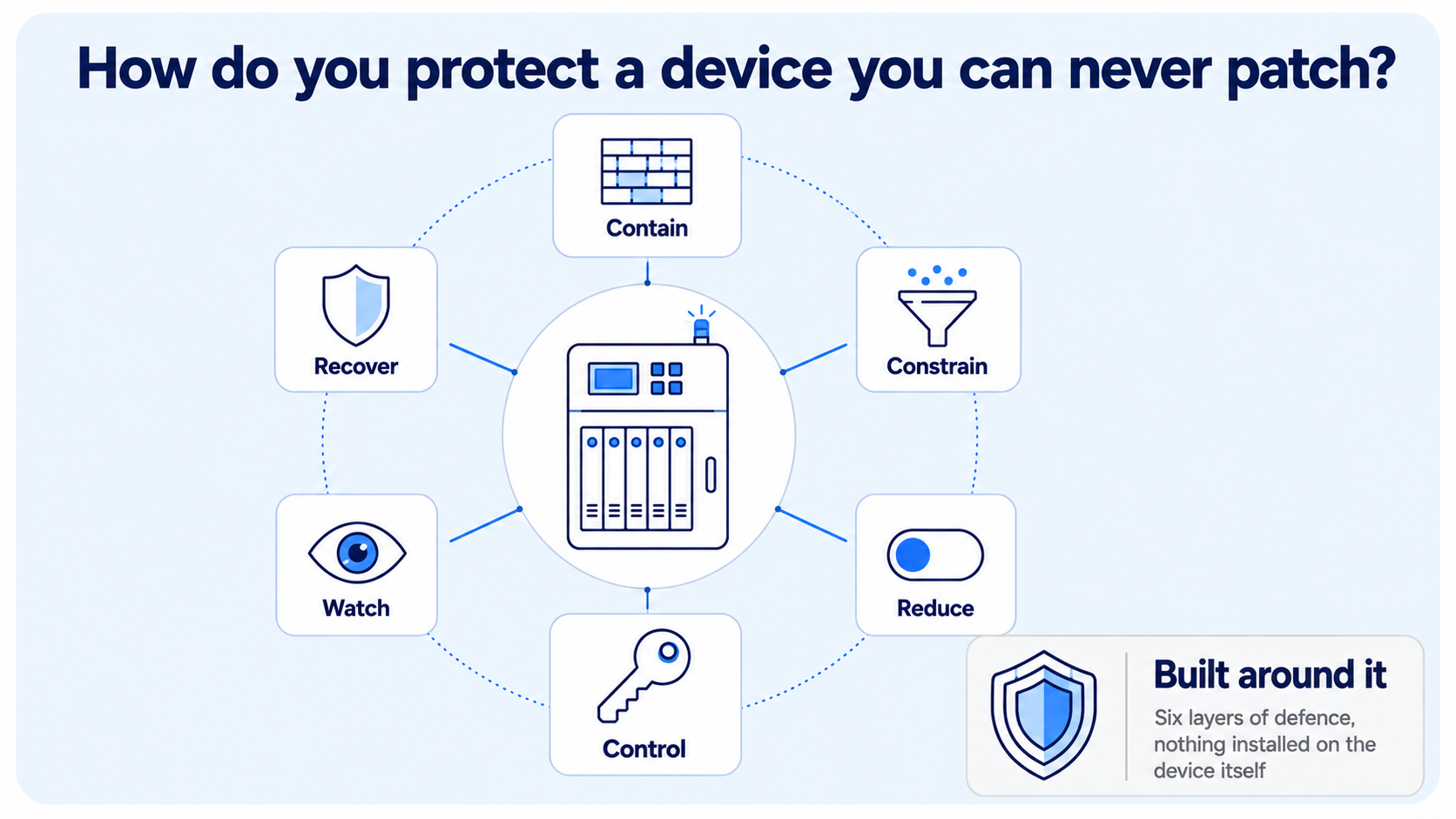
Because the device itself cannot be changed, the defense has to be built entirely around it. These seven controls form that defense, and the order they are applied in matters.
1. Network segmentation. Divide the environment into zones based on the consequence of compromise to the physical process, not on physical location or which switch an asset happens to use. Place unpatchable equipment inside its own restricted zone, and enforce the boundary with a firewall capable of inspecting traffic rather than with a VLAN alone. In practice these boundaries are rarely defeated by a sophisticated attack. They are defeated by an engineering laptop bridging two zones, an unmanaged switch added during a shutdown, or a vendor's cellular router left connected after support work ended.
2. Establish a traffic baseline. Before restricting anything, record which systems normally communicate with the legacy asset, over which protocols, in which direction, and how often. This baseline is what makes every control that follows possible: without it, protocol restrictions block legitimate traffic and stop production, and monitoring produces alerts nobody can interpret. This step is also where undocumented connections are usually discovered.
3. Protocol restriction and deep packet inspection. Industrial protocols including Modbus, S7comm, EtherNet/IP and DNP3 do not authenticate the source of a command. Restricting them by source address is necessary but insufficient, because any permitted source can still issue any command. Deep packet inspection allows a stronger rule: separate read operations from write operations. In Modbus, function codes 01 and 03 read data while 05, 06, 15 and 16 write it, so a historian that only displays values can be permitted to read and denied the ability to write. Firmware and program transfers should require separate, explicit authorization. The FrostyGoop malware disrupted a Ukrainian district heating utility in 2024 by downgrading device firmware over ordinary Modbus traffic, using no exploit at any point.
4. Use the security controls the device already has. Legacy equipment usually ships with protective features that were never enabled. Disable unused services: legacy file sharing, remote administration and unnecessary software on operator stations, and embedded web servers, FTP and default SNMP community strings on controllers. Set the controller's write-protection password or access level where the platform provides one. Keep the physical key switch in RUN rather than PROGRAM, since the TRITON attack against a Triconex safety controller succeeded only because that switch had been left in PROGRAM mode. On Windows-based HMIs, application allowlisting is the strongest available control, because the installed software is fixed and known. Confirm the operating system edition first: AppLocker enforces only on Windows 7 Enterprise and Ultimate, while on Windows 7 Professional, which many OEM HMI images run, it can audit activity but cannot block it.
5. Secure remote access. Route every connection from the corporate network through a hardened jump host in a demilitarized zone rather than permitting a direct path inward. Grant vendor and integrator access on request rather than as a standing permission, limited to a specific asset and time window, with multi-factor authentication and full session recording. This matters because a compromised service provider gives an attacker a path into every site that provider supports. A legacy controller cannot record who changed its configuration, so that accountability has to be created at the point of access instead.
6. Intrusion detection and continuous monitoring. Deploy passive intrusion detection using a network tap or SPAN port, so monitoring adds no traffic, load or timing risk to the process. An OT-aware IDS that understands industrial protocols should alert on a defined set of events: a new device appearing on the zone, a write or mode-change command from a source that has never issued one, engineering software connecting outside a planned window, and traffic crossing a boundary that the firewall should have blocked. Because these environments change rarely, the alert set stays small and manageable, which is what makes detection practical here.
7. Backup and recovery. Maintain offline, verified copies of controller logic, HMI project files, the tag database and network device configurations, since these are the hardest elements to reconstruct after an incident. Test restoration rather than assuming it works, ideally on an offline testbed that also serves to validate changes before they reach production. Hold a cold spare with a validated configuration for hardware that can no longer be purchased. A documented and rehearsed manual operating procedure is the final layer: it is what allowed Norsk Hydro to keep its plants producing in 2019.
Getting This Right
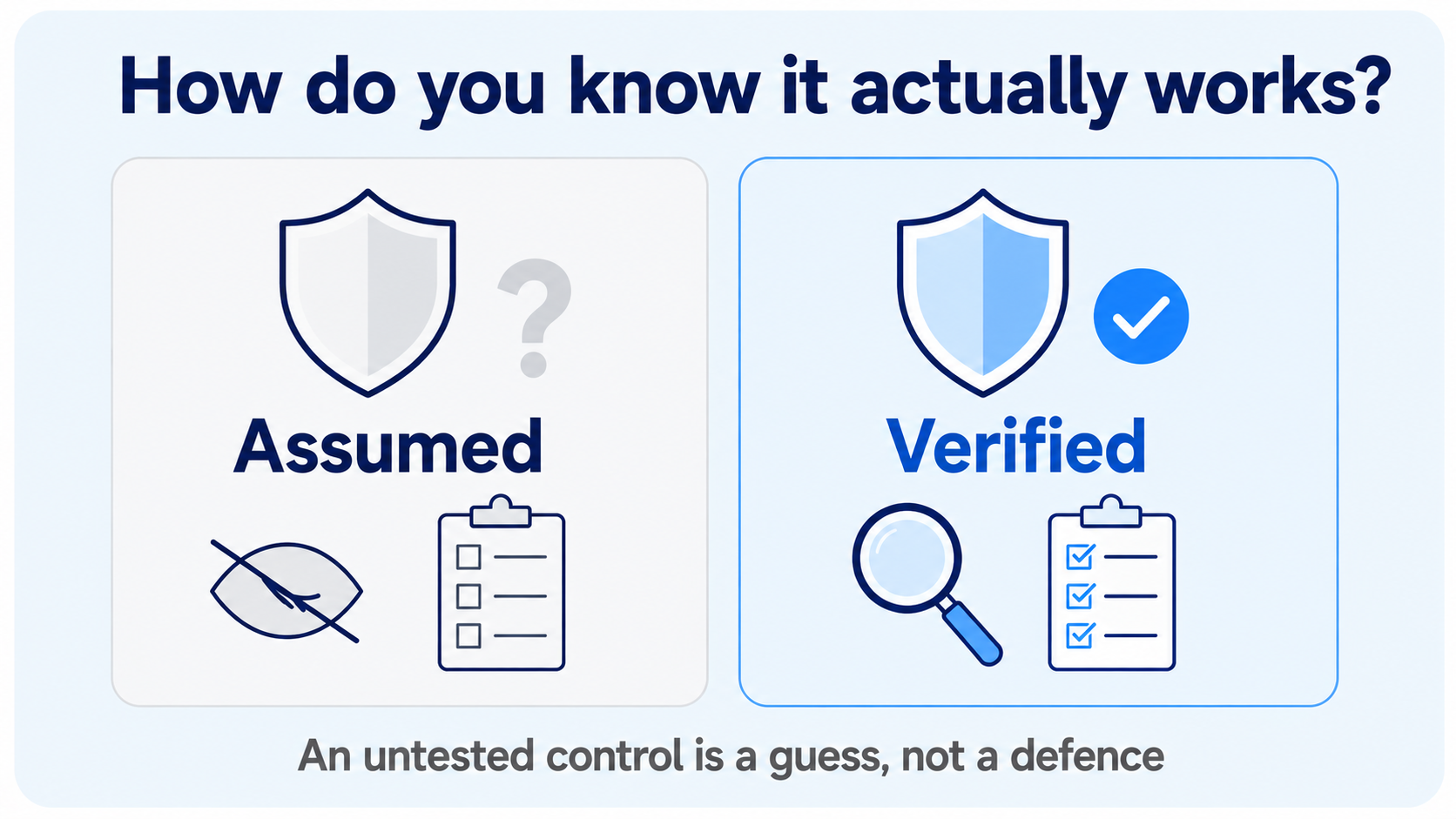
The sequence above is not arbitrary. Segmentation boundaries follow from the plant's process and its interlocks, not from a generic template, and placing them incorrectly can interrupt a control action during production. Protocol restrictions must come after the baseline, never before, because deploying deep packet inspection against traffic nobody has characterized will stop a running line. Each control then has to be tested directly: confirm that a blocked write is actually blocked, that the restricted zone is unreachable from the wireless network and contractor segments, and that allowlisting is enforcing rather than only logging.
Compensating controls change exposure. They do not remove the underlying vulnerability. If a boundary is dismantled during a later project, the exposure returns immediately and in full. The correct long-term outcome for unsupported equipment is replacement, planned against the capital cycle. These controls make it possible to reach that point on a schedule the business controls, rather than one forced by an incident.
How Beacon Security Helps
Beacon Security works exclusively in operational technology and industrial control system security, across oil and gas, petrochemicals, power generation, water and heavy manufacturing. Defending equipment that cannot be patched is a routine part of this work.
The process is consistent across every engagement. We assess the environment as it actually exists, design a zone and conduit architecture around the plant's specific process, implement segmentation, protocol restriction, access control, hardening and backup coverage, and then verify the result through controlled testing.
The same gaps appear at most sites we assess: flat networks beneath the perimeter firewall, protocol traffic with no restriction on function, default services running on unsupported systems, allowlisting left in audit mode, standing vendor access with no individual attribution, and backups that have never been tested.
Next Steps
If you want a clear view of where your own legacy assets stand, use the Book a Free 15-Minute 1:1 Call button on this page. It is a conversation with a senior consultant, at no cost, and you will leave with a clearer picture of your position.

Beacon Security designs, implements and validates compensating control architectures for legacy PLCs, unsupported operator stations and end-of-life industrial systems, so that assets which can never be patched can still be defended, and replaced on your schedule rather than an attacker's.